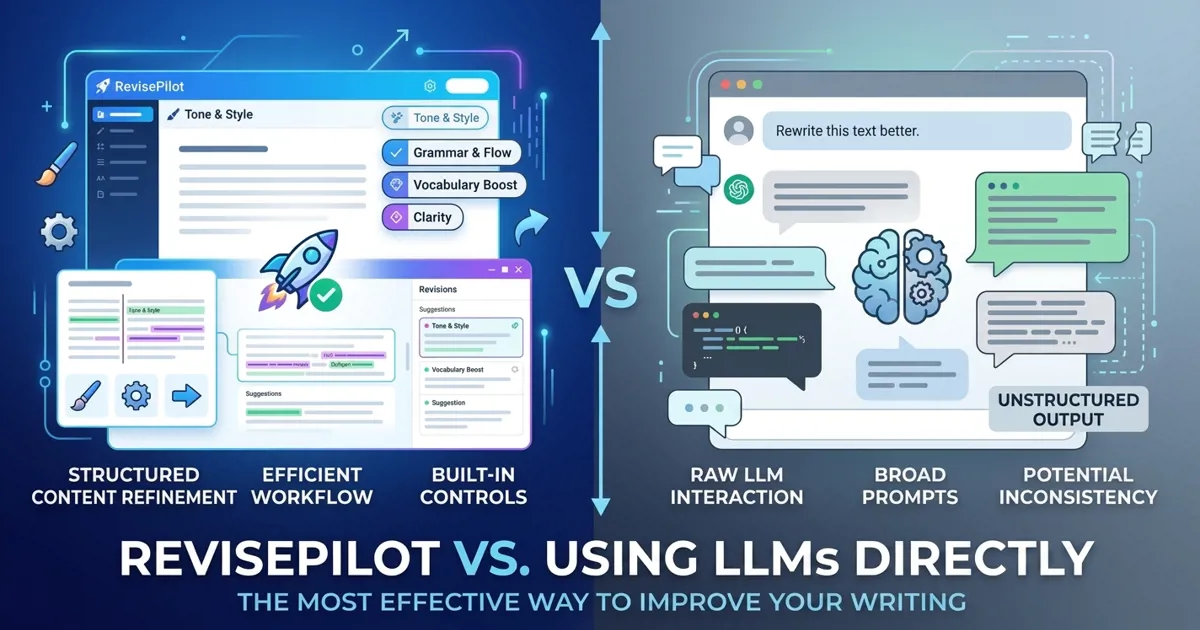

You can paste paragraphs into a chatbot yourself. But RevisePilot turns an entire Word manuscript into a publication-ready, tracked-changes document in about 10 minutes—no copy-pasting, no prompt-writing, no broken citations. That gap between "doing it yourself" and "done for you" is exactly where RevisePilot delivers value.
Key Takeaways (TL;DR)
The bottom line: Document in. Document out. In minutes.
Here's a brief glimpse of what RevisePilot offers:
- Minutes, not hours. Edit a full 8,000-word manuscript in ~10 minutes vs. 30–60 minutes of manual copy-pasting and merging.
- Enterprise-grade privacy. Uses enterprise AI APIs with strict policies guaranteeing zero training on your data, providing a clear security advantage over free-tier chatbots.
- Tracked Changes, ready to go. Returns a native .docx with Word Tracked Changes already applied, so you review, accept, or reject like working with a human editor.
- Nothing breaks. Preserves citations, references, formatting, headings, tables, and document structure exactly.
- Consistent throughout. Maintains terminology and style consistency across the whole paper; applies different editing strategies to different sections.
- Editing certificate included. Auto-generates a publisher-ready certificate you can submit to journals.
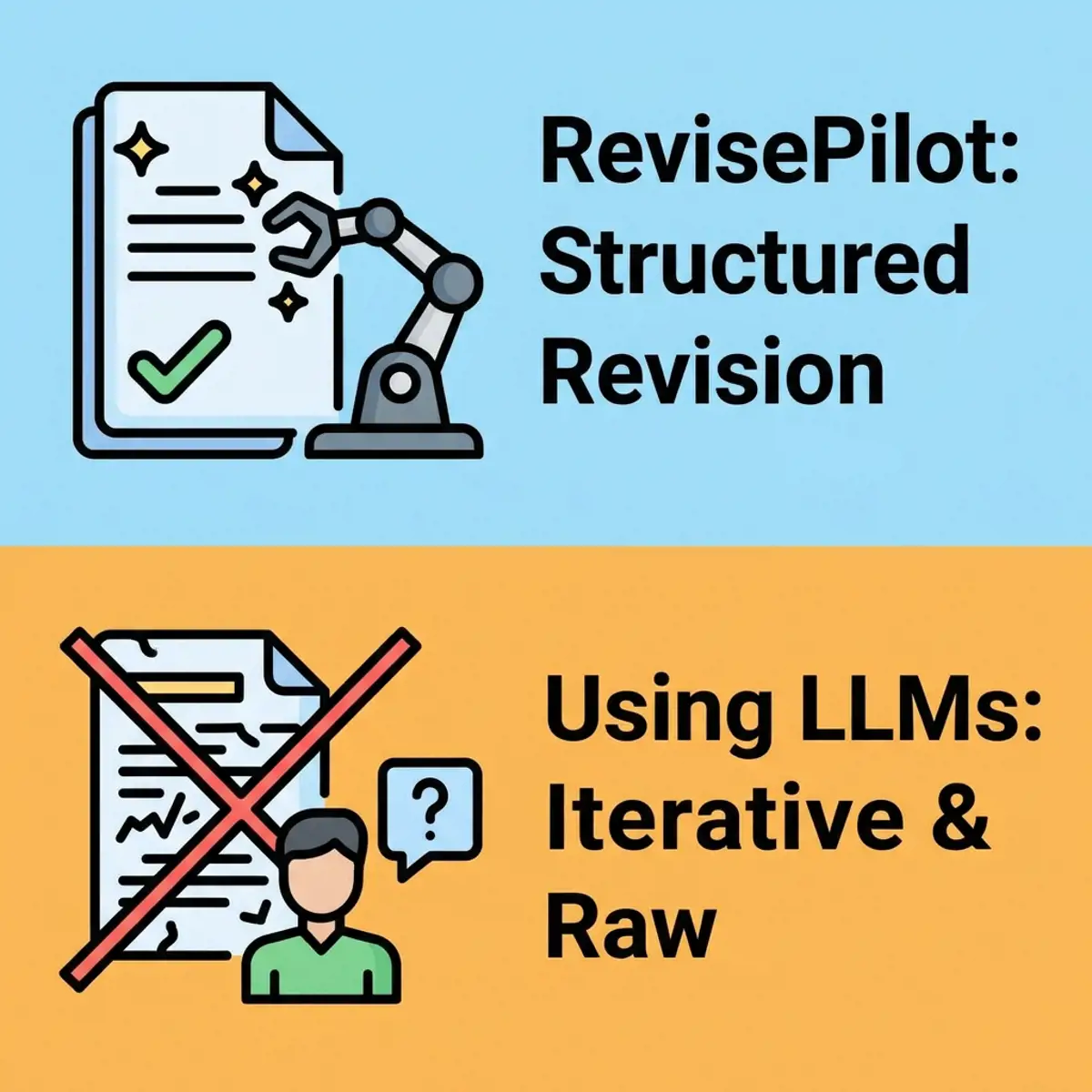
Workflow Comparison: RevisePilot vs DIY LLM Prompting
When you use ChatGPT, Claude, or Gemini directly for manuscript editing, your workflow looks like this: open a chat window → copy a section of text → write a prompt → wait for the response → paste the revision back into Word → repeat for every section. For a typical 8,000-word paper, this process takes 30–60 minutes of tedious manual labor.
With RevisePilot: upload your .docx → choose your model and service tier → wait approximately 10 minutes → download a Word file with full tracked changes + an editing certificate. No prompt engineering, no section splitting, no manual merging required.
Citation & Formatting Preservation
When you paste text into a chatbot, every Word formatting element is destroyed: Zotero citation fields, EndNote field codes, Mendeley bookmarks, footnotes, endnotes, cross-references, table placements, and figure positions. Even if the LLM produces perfect edits, you must manually re-insert every citation — an error-prone process that can introduce bibliography corruption.
RevisePilot natively parses your .docx file's OpenXML structure. It automatically detects and protects all inline citations (Zotero, EndNote, Mendeley, CSL, footnotes, endnotes, cross-references) using placeholder tokens during editing, then restores the original XML elements into the revised document with byte-perfect fidelity. Every citation in your returned manuscript is intact and functional.
Word Tracked Changes Output
Currently, LLMs cannot ingest a Word document and return it with tracked changes. Even if they could, they would likely run off and uncontrollably edit things you did not want edited, like equations, document formatting, and references.
Journal editors, advisors, and collaborators expect to see every edit transparently marked — deletions with strikethrough, insertions in color. Because a chatbot only returns a flat block of revised text with no indication of what changed, you'd have to manually diff the old and new text yourself.
RevisePilot uses word-level diff comparison (DiffPlex) followed by OpenXML SDK revision-mark injection to write every difference as a proper Word Tracked Change (InsertedRun / DeletedRun). You receive a real Tracked Changes file that you can review, accept, or reject — exactly like working with a human editor.
Cross-Section Consistency & Prompt Optimization
A chatbot doesn't know whether it's editing an abstract, a methods section, or a discussion. If you define an acronym like "PCR" in one prompt, the model may re-define it in the next. Terminology, style, and tense choices can drift between sections.
RevisePilot's pipeline accumulates editorial context as it processes each section: previously defined acronyms, terminology decisions, and style choices are carried forward. Each section also receives a tailored system prompt appropriate for its role in the manuscript (abstracts use past tense, methods use precise description, discussions permit speculative language). This section-aware editing is impossible to replicate with manual prompting.
Data Privacy & Compliance
Consumer LLM interfaces — ChatGPT free tier, Claude free tier, Gemini free tier — may use your inputs for model improvement unless you explicitly opt out [1]. Even paid tiers (ChatGPT Plus, Claude Pro) have nuanced data retention policies. For unpublished research, this can violate journal embargo policies or grant confidentiality agreements.
RevisePilot exclusively uses each provider's enterprise commercial API (Anthropic, OpenAI, Google), which offer strict data processing policies guaranteeing zero training on your data [2]. While data is temporarily retained for up to 30 days for operational and abuse-monitoring purposes, your manuscript never enters any training dataset — providing a clear security advantage over free-tier chatbots that use your inputs to improve their models.
Time & Cost
DIY LLM editing requires: (1) subscription costs (ChatGPT Plus $20/month, Claude Pro $20/month, Gemini Advanced $20/month — and if you want to try multiple models, you'll need multiple subscriptions), and (2) 30–60 minutes of your time per paper for prompt writing, text splitting, and manual reassembly. As a busy researcher, your time is your most expensive resource.
RevisePilot's Student plan costs $49/month and includes 24,000 words (96 credits) of editing — about 4 typical 6,000-word manuscripts, or roughly $12.25 per paper. From upload to download takes approximately 10 minutes. No prompt engineering, no copy-pasting, no manual diff. You're not saving a few dollars — you're saving hours of research time.
Editing Certificate
An increasing number of international journals (such as those published by Elsevier) strongly recommend or require non-native authors to provide a professional English editing certificate at submission to avoid desk rejection due to language issues [3]. Chatbots cannot generate this document.
RevisePilot automatically generates a publisher-accepted editing certificate with every qualifying order, including the article title, author name, editing date, and service type. You can upload it directly to the journal submission system as proof of professional language editing.
Multi-Model Redundancy & Freedom of Choice
RevisePilot integrates Claude Sonnet 5, Claude Opus 5, GPT-5.6, and Gemini 3.8 Flash — the four frontier models that perform best on academic manuscripts. You can choose the optimal model for each paper type, and if one provider experiences an outage, switch to another with one click. No need to maintain separate subscriptions to three different companies.
Full Comparison Table: DIY vs ~10 Minutes with RevisePilot
| Feature | Using LLMs Directly (ChatGPT / Claude / Gemini) | RevisePilot |
|---|---|---|
| Input method | Copy-paste plain text | Upload .docx directly |
| Citation preservation | All citation fields destroyed; manual restoration required | Zotero / EndNote / Mendeley / footnotes / endnotes automatically preserved |
| Output format | Plain text with no change indicators | Word Tracked Changes (InsertedRun / DeletedRun) |
| Editing certificate | Not available | Automatically generated with every order |
| Data privacy | Depends on provider ToS; must manually opt out of training | Enterprise zero-training API; strict no-training policy |
| Cross-section consistency | Each prompt is independent; no context carries forward | Acronyms / terminology / style accumulate across sections |
| Document length | Limited by context window; manual splitting required | Up to 150,000 words processed automatically |
| Time per paper | 30–60 minutes of prompting + merging | ~10 minutes upload to download |
| Monthly cost | $20–$200 (may need multiple subscriptions) | From $49/month (includes 4 full manuscripts) |
| Model choice | One model per platform | 4 frontier models, switch with one click |
| Prompt engineering required | Yes — must optimize prompts for each section | No — just upload and download |
Frequently Asked Questions
What models does RevisePilot use?
RevisePilot offers four frontier models: Anthropic's Claude Sonnet 5 and Claude Opus 5, OpenAI's GPT-5.6, and Google's Gemini 3.8 Flash. All models are called via enterprise APIs — your data is never used for training.
If the models are the same, why not do it myself?
The model is only one component of what RevisePilot delivers. The real value lies in: (1) native .docx parsing that preserves all formatting and citations, (2) system prompts optimized and tested specifically for academic manuscripts, (3) cross-section editorial context passing, (4) Word Tracked Changes output, (5) automatic editing certificate generation, and (6) enterprise-grade data privacy. These features represent thousands of hours of engineering and testing on real manuscripts.
Doesn't ChatGPT Plus / Claude Pro also avoid training on my data?
Paid consumer subscriptions do offer opt-out toggles. However, RevisePilot uses an entirely different channel — enterprise commercial APIs — where strict data policies guarantee zero training on your inputs. This infrastructure-level policy provides a clear security advantage without relying on a user-facing toggle that could be missed or accidentally changed.
How long does RevisePilot take?
For a typical 8,000-word academic manuscript, the entire process takes approximately 10 minutes from the moment you upload your Word document until you download the completed file with tracked changes and an editing certificate. Doing the same work manually in a browser takes 30 to 60 minutes of repetitive effort.
Does RevisePilot support PDF?
PDF is supported for Pre-Submission Review and as supporting context, such as reviewer comments or proposal guidelines. Services that revise or transform a document require an editable .doc or .docx file, and content deliverables are returned as Word .docx files.
References
- OpenAI. "Data Controls FAQ." OpenAI Help Center. https://help.openai.com/en/articles/7730893-data-controls-faq
- Anthropic. "Commercial Terms of Service." https://www.anthropic.com/legal/commercial-terms
- Elsevier. "Language Editing Services." Elsevier Author Services. https://authorservices.elsevier.com/language-editing/
Revise your first paper for $1
New customers can choose any AI service and get the first 10,000 billable words for $1. No subscription required.
Upload & Claim the $1 offerLimited time · New customers only · One offer per person and payment method